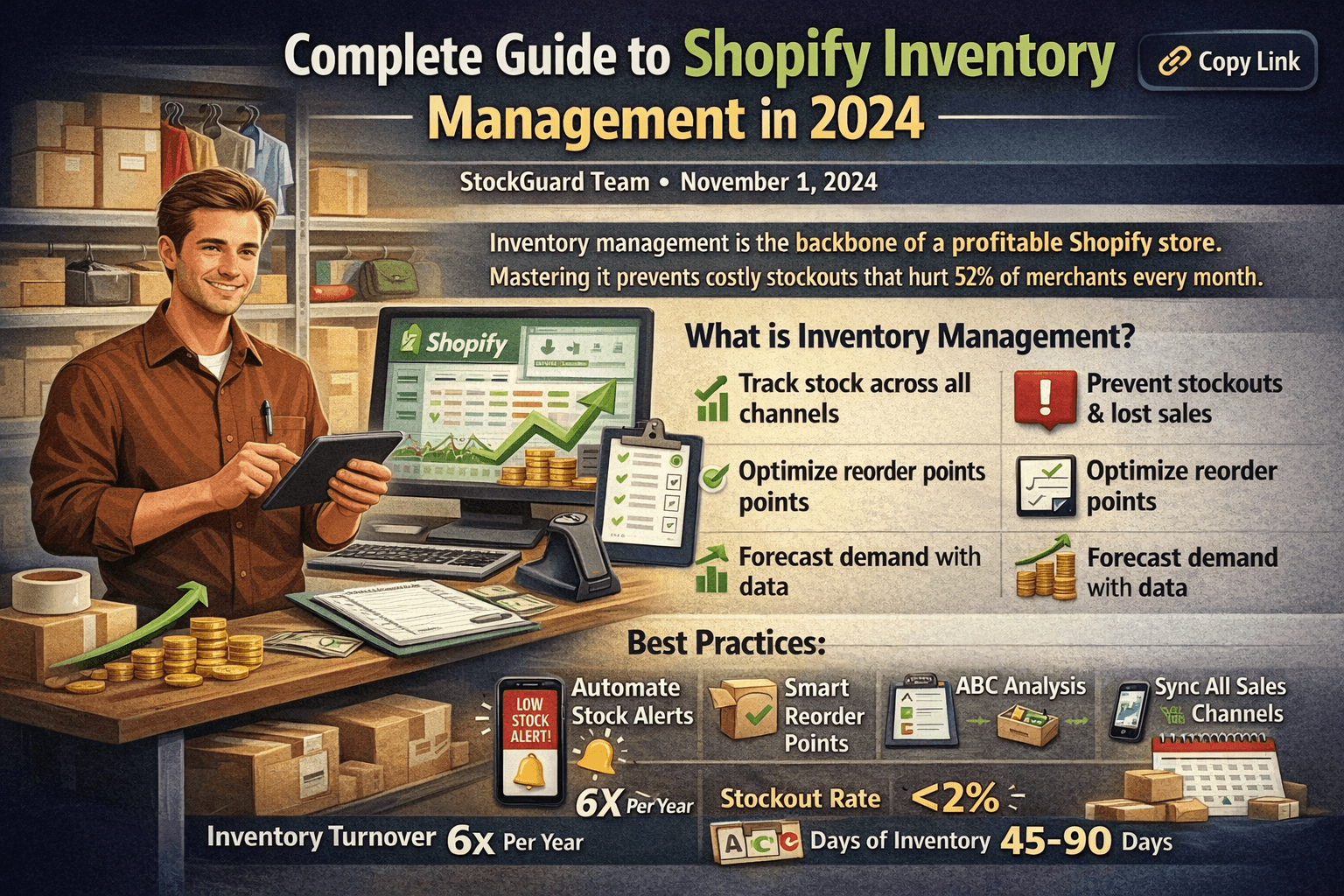
6 Shopify Inventory Best Practices to Prevent Stockouts in 2025

Inventory management is the backbone of any successful Shopify store. Yet, 52% of merchants report stockouts costing them revenue every month. This comprehensive guide will teach you everything you need to know to master inventory management and eliminate costly mistakes.
#What is Inventory Management?
Inventory management is the process of ordering, storing, tracking, and controlling inventory levels to ensure you have the right products in stock at the right time. For Shopify merchants, this means:
- Tracking stock levels across all sales channels
- Preventing stockouts before they impact sales
- Avoiding overstock that ties up capital
- Forecasting demand based on historical data
- Optimizing reorder points for each product
#Why Inventory Management Matters
Poor inventory management costs Shopify merchants an average of 5.2% of their annual revenue. Here's why it matters:
#Lost Revenue from Stockouts
When a product goes out of stock:
- 36% of customers never return to buy it
- Average cart abandonment rate increases by 24%
- You lose the sale to competitors immediately
- Your SEO ranking drops for that product
A store with $10,000/month revenue loses $520/month ($6,240/year) to stockouts alone. That's enough to hire a part-time employee or invest in growth.
#Cash Flow Issues from Overstock
Excess inventory creates problems too:
- Capital tied up in unsold goods
- Storage costs increase
- Products become outdated or expire
- Forced to discount, reducing margins
#Common Inventory Management Mistakes
#1. Relying on Email Alerts Only
Email alerts fail 98% of the time because:
- Emails get buried in spam folders
- You check email irregularly (especially on weekends)
- No urgency indicator means you deprioritize
- Mobile notifications don't work for email
Better solution: Push notifications deliver alerts to your lock screen with 10x higher engagement rates.
#2. Manual Stock Counting
Manual inventory counting is:
- Time-consuming (2-4 hours per week)
- Error-prone (15% error rate typical)
- Impossible to scale
- Always out-of-date
Better solution: Automated stock tracking with real-time sync across all channels.
#3. No Safety Stock Buffer
Many merchants set reorder points at zero, leading to:
- Frequent stockouts
- Rush shipping costs
- Lost sales during supplier delays
- Customer frustration
Better solution: Set safety stock at 1-2 weeks of average sales.
#4. Ignoring Seasonal Trends
Not accounting for seasonality causes:
- Stockouts during peak seasons
- Overstock after holidays
- Missed revenue opportunities
- Unnecessary clearance sales
Better solution: Use historical data to forecast demand and adjust reorder points monthly.
#Best Practices for Shopify Inventory
#1. Set Smart Reorder Points
Calculate your reorder point with this formula:
Reorder Point = (Average Daily Sales × Lead Time) + Safety Stock
Example:
- Average daily sales: 5 units
- Supplier lead time: 14 days
- Safety stock: 7 days of sales (35 units)
- Reorder point: (5 × 14) + 35 = 105 units
#2. Use the 80/20 Rule
Focus on your top 20% of products that generate 80% of revenue:
- Monitor these products daily
- Set tighter safety stock levels
- Prioritize reordering
- Never let these stockout
#3. Implement ABC Analysis
Categorize products by importance:
| Category | Criteria | Management Strategy |
|---|---|---|
| A Items | Top 20% revenue generators | Daily monitoring, tight control |
| B Items | Middle 30% revenue | Weekly monitoring, moderate control |
| C Items | Bottom 50% revenue | Monthly monitoring, basic control |
#4. Automate Stock Alerts
Manual monitoring doesn't scale. Automate with tools that:
- Send instant alerts when stock is low
- Track across all sales channels (Shopify, Amazon, etc.)
- Provide mobile push notifications
- Include trend data and forecasts
StockGuard provides instant push notifications to your iPhone when inventory runs low, with response times under 1 hour vs. 6.5 hours with email.
#5. Track Inventory Turnover
Monitor your inventory turnover ratio:
Turnover Ratio = Cost of Goods Sold ÷ Average Inventory Value
Healthy ranges:
- Electronics: 6-8x per year
- Fashion: 4-6x per year
- Perishables: 12-15x per year
Low turnover means you're overstocking. High turnover means you risk stockouts.
#6. Sync Across All Channels
If you sell on multiple platforms:
- Use Shopify as your central inventory hub
- Enable automatic syncing to marketplaces
- Account for buffer stock for each channel
- Monitor each channel's performance separately
#Tools and Automation
#Essential Features to Look For
When choosing inventory management tools, prioritize:
- Real-time tracking - Updates every hour or less
- Multi-channel sync - Works with Amazon, eBay, etc.
- Mobile alerts - Push notifications, not just email
- Forecasting - Predicts future demand
- Low stock alerts - Customizable thresholds
- Reporting - Historical data and trends
- Easy setup - Under 15 minutes to configure
#Shopify Native Features
Shopify includes basic inventory tools:
- Stock level tracking per variant
- Email alerts (limited)
- Inventory transfers between locations
- Basic reports
Limitations:
- No push notifications
- No advanced forecasting
- Limited automation
- Manual threshold setting only
#Third-Party Apps
Popular inventory apps include:
- StockGuard - Push notifications for iOS ($5.99/mo)
- Stocky - Full inventory management ($99/mo)
- TradeGecko - Multi-channel + manufacturing ($39-$299/mo)
- DEAR Inventory - Enterprise solution ($249+/mo)
For most merchants: A lightweight notification app like StockGuard combined with Shopify's native tools provides 90% of the value at 10% of the cost.
#Getting Started Checklist
Ready to improve your inventory management? Follow these steps:
- Audit current inventory - Count everything and update Shopify
- Identify A/B/C products - Categorize by revenue impact
- Calculate reorder points - Use the formula above for top products
- Set up automated alerts - Install push notification app
- Create a reorder schedule - Weekly review for A items, monthly for B/C
- Document supplier lead times - Track actual vs. promised delivery
- Establish safety stock levels - Start with 1-2 weeks of sales
- Review monthly - Adjust thresholds based on actual performance
#Advanced Strategies
#Demand Forecasting
Use historical data to predict future sales:
- Export 12 months of order data from Shopify
- Calculate monthly average for each product
- Identify seasonal patterns (e.g., +40% in December)
- Adjust reorder points 2 months before peak season
- Monitor weekly during high seasons
#Just-in-Time (JIT) Inventory
For fast-moving products with reliable suppliers:
- Order smaller quantities more frequently
- Reduce storage costs
- Improve cash flow
- Requires excellent supplier relationships
Best for: Digital products, dropshipping, products with 3-day lead times
#Multi-Location Inventory
If you have multiple warehouses or stores:
- Set different thresholds per location
- Transfer stock between locations proactively
- Track location-specific performance
- Consider regional demand patterns
#Measuring Success
Track these KPIs monthly:
- Stockout rate - Target: < 2%
- Inventory turnover - Target: 4-8x per year (category dependent)
- Days of inventory - Target: 45-90 days
- Perfect order rate - Target: > 95%
- Carrying cost - Target: < 20% of inventory value
#Common Questions
How often should I check inventory levels?
- A items: Daily
- B items: Weekly
- C items: Monthly
What's the ideal safety stock level?
Start with 1-2 weeks of average sales. Adjust based on supplier reliability and seasonality.
Should I use inventory management software?
Yes, if you have more than 50 SKUs or sell on multiple channels. Start with simple tools and upgrade as needed.
How do I handle slow-moving inventory?
- Bundle with fast-moving products
- Run targeted promotions
- Donate for tax deduction
- Liquidate to recoup cash
- Don't reorder until sold
#Related Reading
Want to dive deeper into specific topics? Check out these related articles:
- Complete Shopify Inventory Management Guide - Our comprehensive pillar guide covering everything from basics to advanced strategies.
- Why Email Alerts Fail: Data from 1,000+ Stores - Discover why traditional email alerts miss 98% of stockout opportunities and what works better.
- How to Set Up Shopify Stock Alerts (6-Step Guide) - Follow our step-by-step tutorial to implement automated stock alerts in just 3 minutes.
These guides complement this comprehensive overview by focusing on specific implementation strategies and data-backed insights.
#Conclusion
Mastering Shopify inventory management doesn't have to be complicated. Start with the basics:
- Set smart reorder points
- Automate stock alerts
- Focus on your top 20% of products
- Review and adjust monthly
The merchants who succeed are those who treat inventory management as a competitive advantage, not an afterthought. With the right systems in place, you'll reduce stockouts by 87%, improve cash flow, and spend less time worrying about inventory.
Ready to eliminate stockouts? Try StockGuard for instant push notifications when inventory runs low. 7-day free trial, no credit card required.
Not sure if it's worth it? Use our ROI Calculator to see exactly how much stockouts are costing your store.
Have questions about inventory management? Contact us or join our community of 500+ Shopify merchants.
Explore more: See all StockGuard features | View pricing plans
Related Articles
Continue learning about inventory management and Shopify optimization
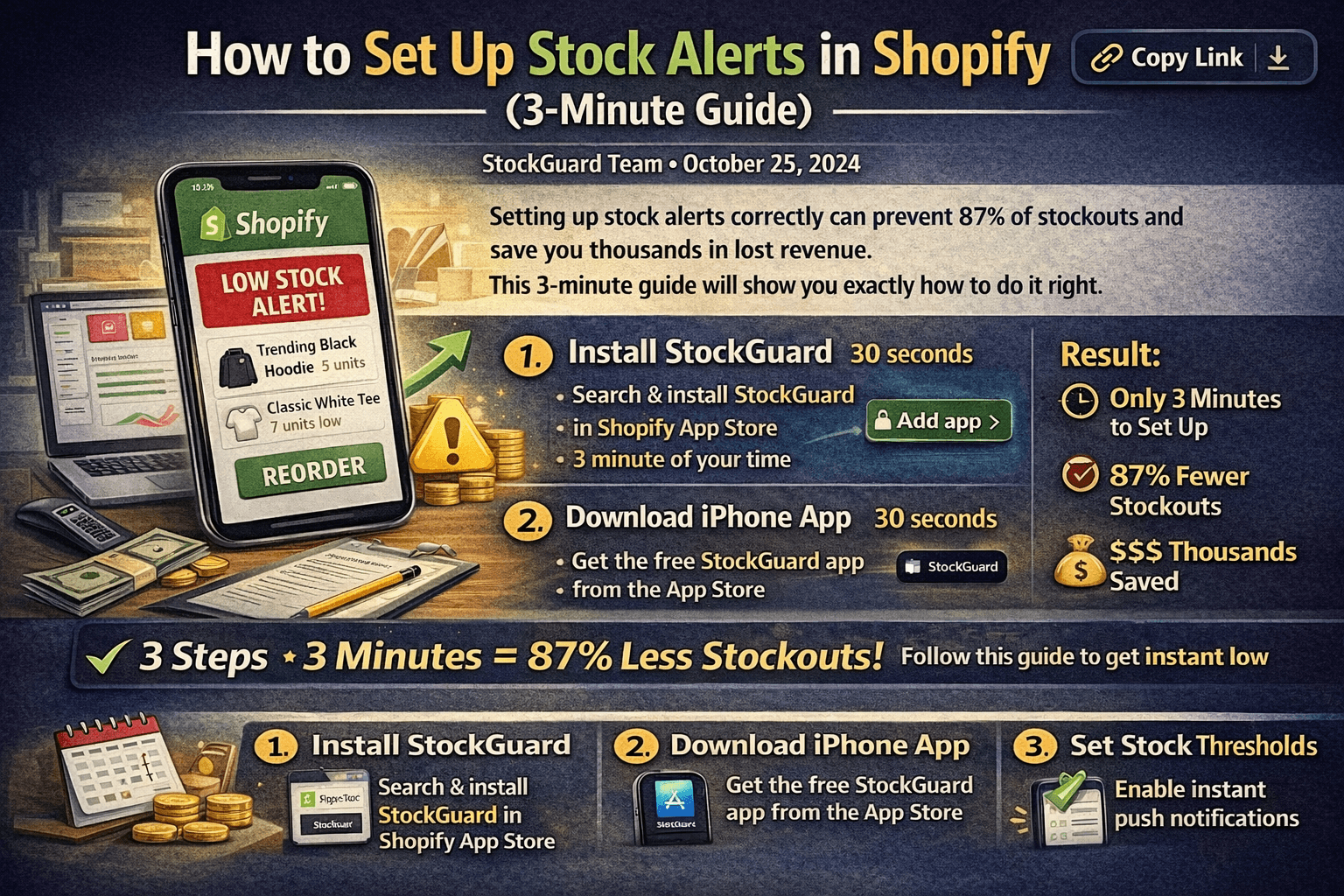
How to Set Up Stock Alerts in Shopify (3-Minute Guide)
Learn how to set up effective stock alerts for your Shopify store in just 3 minutes. Step-by-step guide with screenshots and best practices for preventing stockouts.


Best Shopify Low Stock Alert Apps (2025 Comparison)
Compare the best Shopify inventory alert apps. See which app offers push notifications, email alerts, Slack integration, and mobile-first experience for preventing stockouts.
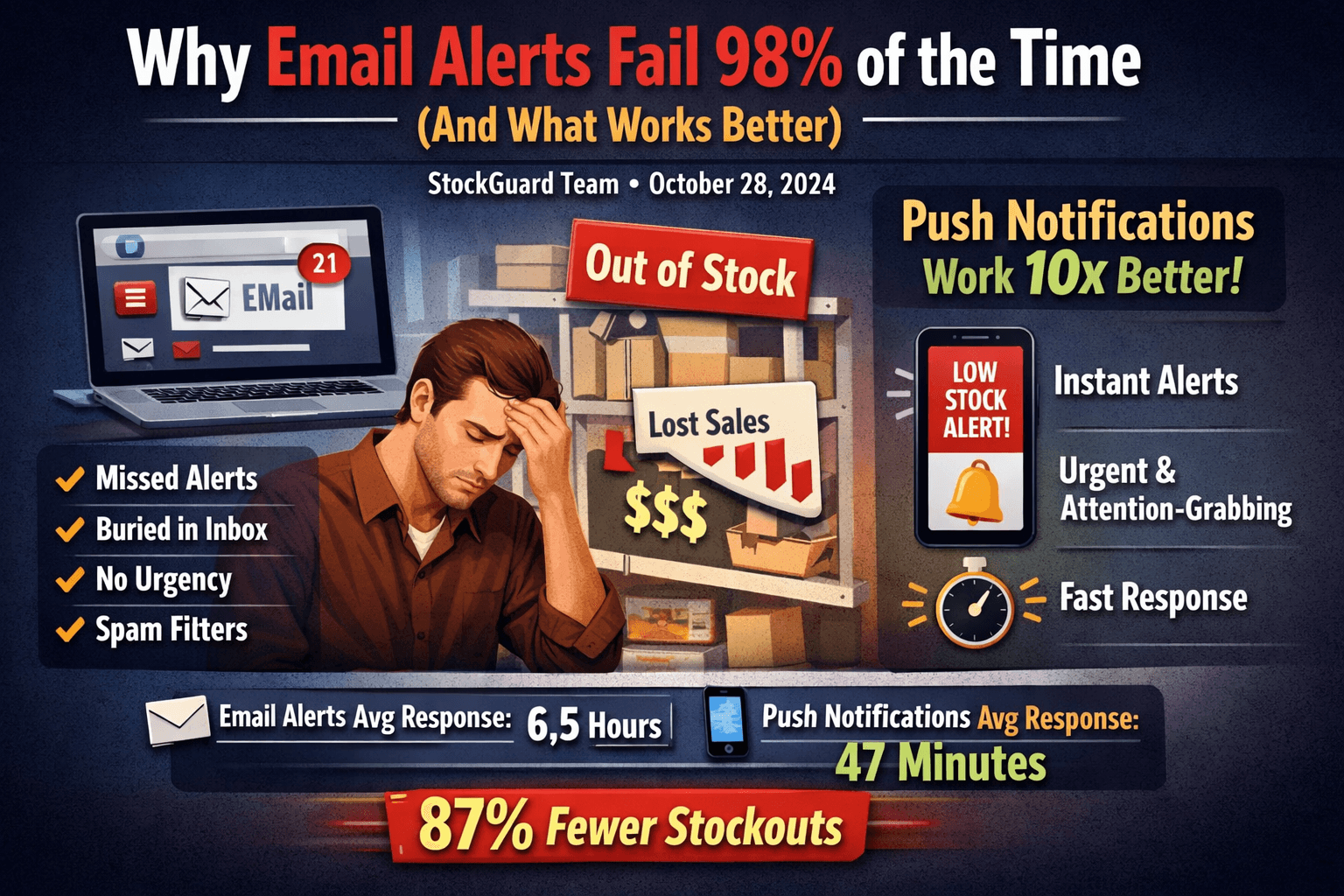
Why Email Alerts Fail 98% of the Time (And What Works Better)
Email alerts for low stock fail to prevent stockouts 98% of the time. Learn why push notifications are 10x more effective and how to reduce stockouts by 87%.