
Best Shopify Low Stock Alert Apps (2025 Comparison)

Running out of stock is one of the fastest ways to lose sales on Shopify. The question isn't whether you need inventory alerts — it's which style of alerts actually gets seen in time.
Most Shopify alert apps rely on email reports or Slack messages. That works… until you're away from your desk, busy, or simply don't check inboxes fast enough.
StockGuard is built for merchants who manage their store from their phone: native iOS push notifications, a mobile-first dashboard, and always-on access — so you can act before products sell out.
#Quick Summary: Which App Is Best for You?
| Use Case | Best App | Why |
|---|---|---|
| Mobile-first owners | StockGuard | Native iOS push + mobile dashboard |
| Teams in Slack | Stockie Low Stock Alert | Email/Slack + forecasting features |
| Rules-based alerts | iAlert – Low Stock Alert | Email/Slack, rule filters, location-based |
| Simple email reports | LSA Low Stock Alert | Scheduled + instant email alerts |
#Feature Comparison Table
| App | Best For | Alert Channels | Mobile Experience | Key Features |
|---|---|---|---|---|
| StockGuard | Owners who live on mobile | Native iOS push (real-time) | Native iOS app | Built for instant action from your phone |
| Stockie | Teams + planning | Email / Slack | Web dashboard | Forecasting / reorder planning |
| iAlert | Rules-based alerts | Email / Slack | Web dashboard | Location-based rules, variant thresholds |
| LSA | Simple email alerts | Email reports | Web dashboard (basic) | Multi-location support + filtering |
Most Shopify alert tools focus on email/Slack. StockGuard is built around native mobile push, so alerts get seen when they matter most.
#Why Push Notifications Win for Low Stock
Email alerts are easy to miss. Slack alerts are great if your team lives in Slack.
But if you're the owner (or a small team), the fastest reliable channel is usually push notifications — because they reach you instantly on the lock screen.
Shopify's own content highlights that some tools can send push notifications on a schedule and for low-stock thresholds, reinforcing that push can be a practical way to stay on top of inventory.
StockGuard goes all-in on mobile:
- Native iOS push alerts you'll actually see
- Designed for quick decisions, not admin deep-dives
- Always available, even when you're away from your laptop
See our complete breakdown: Why Email Alerts Fail 98% of the Time
#Detailed Reviews
#1. StockGuard — Best for Mobile-First Shopify Merchants
If you manage your store on the go, StockGuard is built around one reality:
When stock gets low, you don't want a report. You want a notification.
What makes StockGuard different
- Native iOS push notifications (instant, actionable)
- Mobile-first experience (fast, clean, always in your pocket)
- Built for "check + act" workflows in seconds
- 87% stockout reduction reported by users
Choose StockGuard if:
- You run your store from your phone
- You want immediate awareness (not end-of-day email)
- You care more about speed and clarity than complex dashboards
Pricing: Starting at $5.99/month with 7-day free trial
#2. Stockie Low Stock Alert — Best for Forecasting + Team Workflows
Stockie positions itself as an inventory planning tool with alerts to keep teams informed, including instant or scheduled alerts via email or Slack.
Strengths
- Email/Slack alerts for teams
- Forecasting and reorder planning features
- Dashboard for real-time and projected counts
Considerations
- More "operations/planning" oriented than "mobile instant action"
- Best if you live in Slack or want forecasting workflows
- Web-based dashboard (no native mobile app)
Best for: Teams that need inventory forecasting alongside alerts.
#3. iAlert – Low Stock Alert — Best for Rule-Based Alerts
iAlert offers rules-based low inventory alerts with configurable thresholds and filters, sending notifications via email or Slack.
Strengths
- Solid rules + filtering system
- Email/Slack alert channels
- Location-based rules and variant-level thresholds
Considerations
- No native mobile push notifications
- Admin-style web dashboard
- Better for complex rule setups than quick mobile action
Best for: Merchants who need granular control over alert rules.
#4. LSA Low Stock Alert — Best for Simple Email Reports
LSA focuses on email alerts and scheduled reports, supporting multiple locations and product filtering.
Strengths
- Straightforward email reporting
- Multi-location support + filters
- Simple setup process
Considerations
- Email can be slow/noisy if you need fast reaction time
- No push notifications
- Basic dashboard experience
Best for: Merchants with simple alerting needs who check email regularly.
#How to Choose the Right Shopify Alert App
Ask yourself these questions:
#Do you want to react in minutes — or in hours?
- Minutes: Choose push-first (StockGuard)
- Hours: Email report apps can be enough
#Are you an owner-operator or a team?
- Owner-operator: Mobile push tends to outperform
- Team in Slack: Slack + email workflows can work well
#Do you need forecasting or just prevention?
- Prevention: Alerts + clean action flow (StockGuard)
- Forecasting: Tools like Stockie lean more into planning
Many merchants start with email alerts, then switch to push after losing sales to a stockout they didn't see in time. Don't wait for the costly lesson.
#FAQ
#Does Shopify have native low-stock push notifications?
Shopify has inventory tracking, but many merchants use apps for alerting workflows. Shopify's own guidance discusses using low stock alert apps and notes that some solutions can deliver push notifications when thresholds are hit.
#Is email enough for low stock alerts?
Email is fine if you check it frequently and don't need immediate action. If your products can sell out quickly (flash sales, viral products, seasonal peaks), push notifications are more reliable.
#What's the biggest reason merchants switch alert tools?
Signal-to-noise. Too many alerts (or slow alerts) get ignored. The best systems deliver the right alert, at the right time, in the channel you actually see.
#How fast should I react to low stock alerts?
Industry data shows:
- Email alerts: Average 6.5 hour response time
- Push notifications: Average 47 minute response time
For fast-moving products, that difference can mean thousands in lost sales.
#The Bottom Line
| If you... | Choose... |
|---|---|
| Manage your store from your phone | StockGuard |
| Need team collaboration in Slack | Stockie |
| Want complex rule-based alerts | iAlert |
| Just need basic email reports | LSA |
#Try StockGuard if You Manage Shopify From Your Phone
If your store is moving fast, inventory alerts should be instant and mobile-first.
StockGuard helps you catch low stock early with native iOS push notifications and a clean mobile experience — so you can restock before sales stop.
Related Resources:
- Shopify Inventory Management: Complete Guide
- How to Set Up Stock Alerts in Shopify (3-Minute Guide)
- Why Email Alerts Fail 98% of the Time
Shopify is a trademark of Shopify Inc. StockGuard is not affiliated with or endorsed by Shopify.
Related Articles
Continue learning about inventory management and Shopify optimization
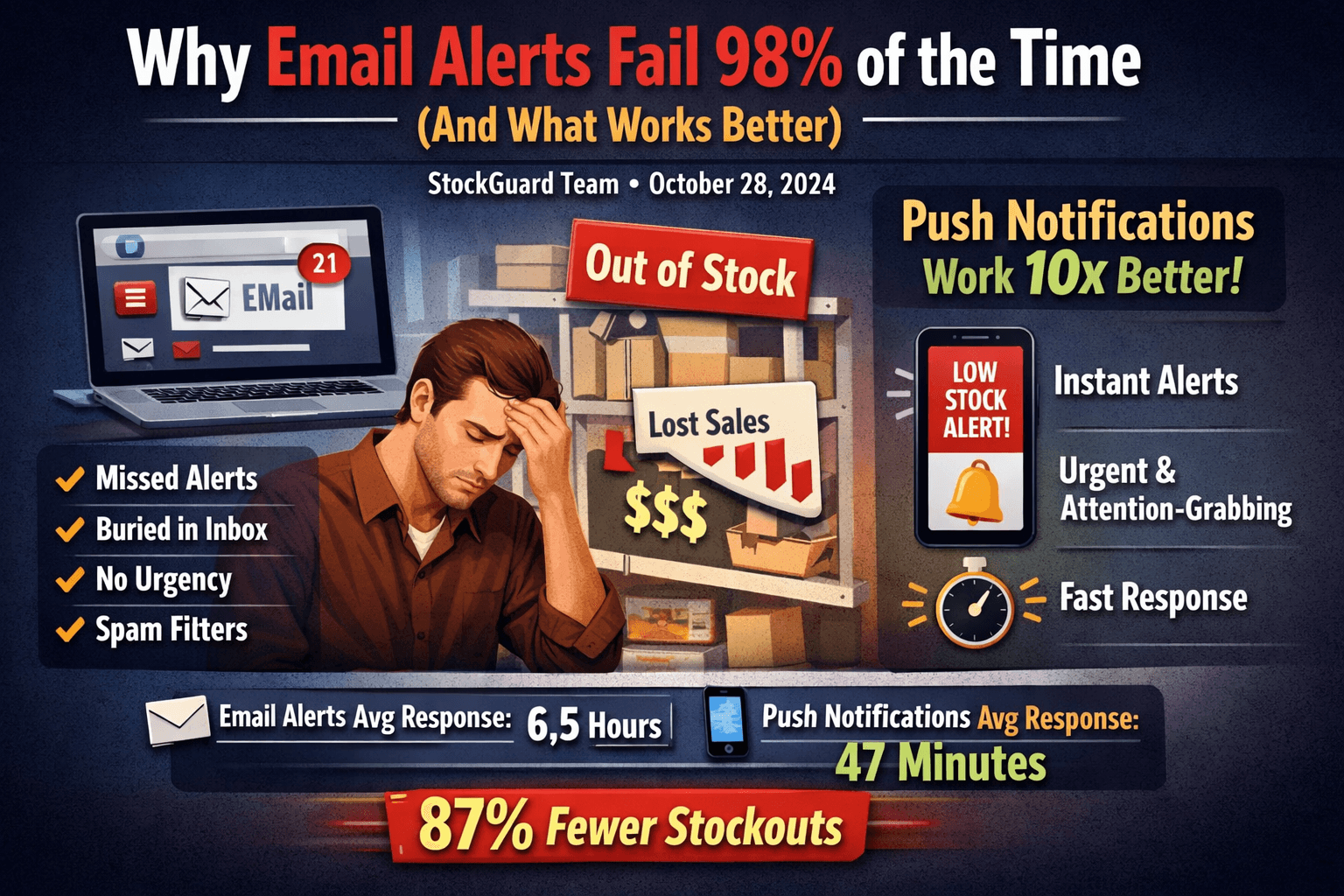
Why Email Alerts Fail 98% of the Time (And What Works Better)
Email alerts for low stock fail to prevent stockouts 98% of the time. Learn why push notifications are 10x more effective and how to reduce stockouts by 87%.

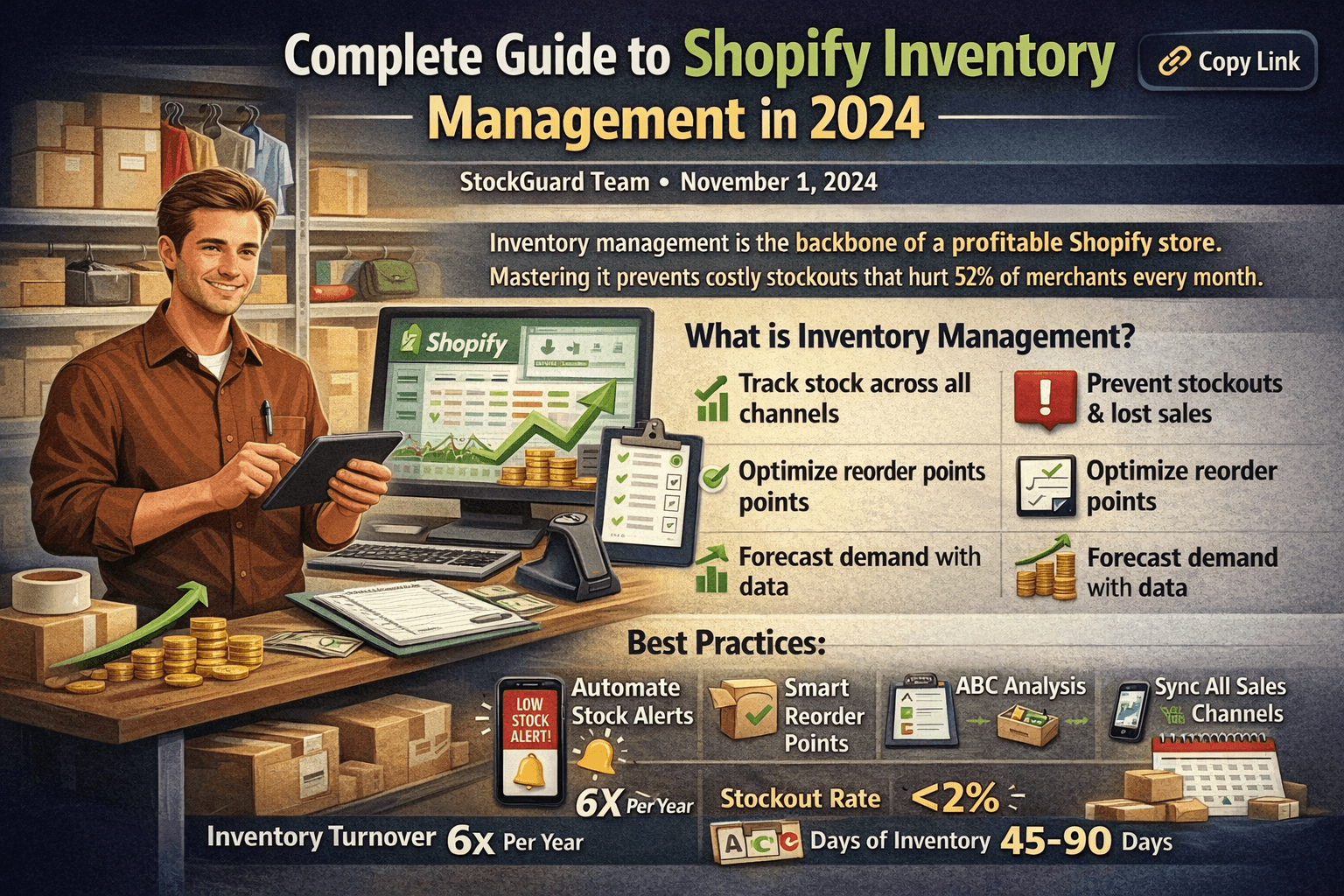
6 Shopify Inventory Best Practices to Prevent Stockouts in 2025
Learn proven Shopify inventory best practices to prevent costly stockouts. Includes reorder point formulas, ABC analysis, automation tips, and a getting started checklist.
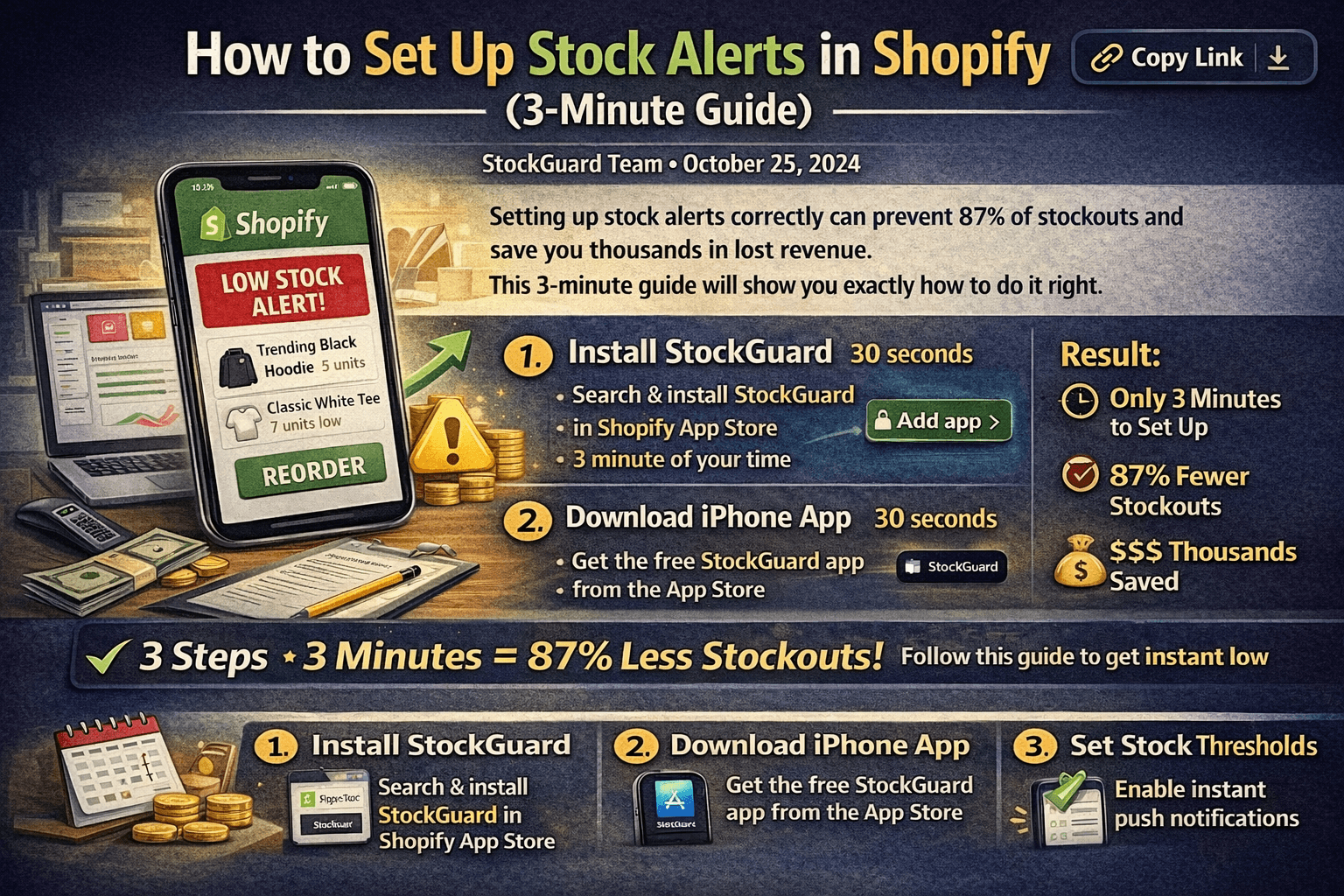
How to Set Up Stock Alerts in Shopify (3-Minute Guide)
Learn how to set up effective stock alerts for your Shopify store in just 3 minutes. Step-by-step guide with screenshots and best practices for preventing stockouts.